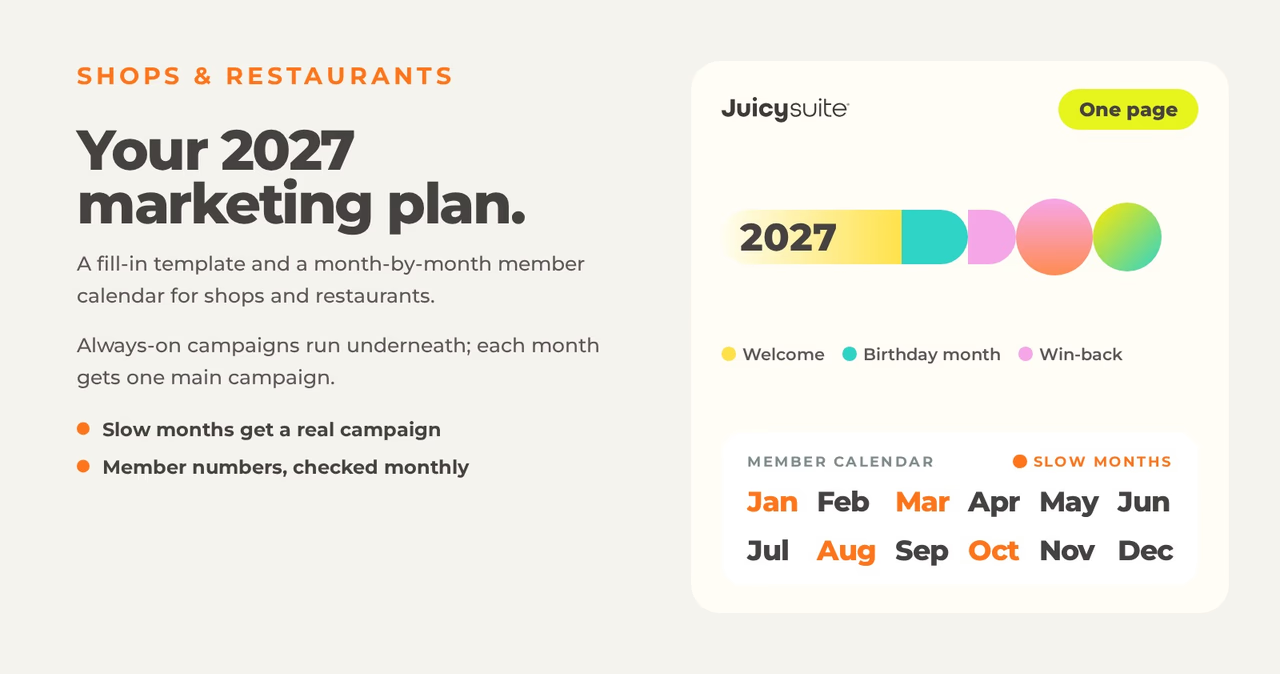
2027 Marketing Plan for Small Business: Shop Template
Most advice on a marketing plan for small business assumes you sell online and need more leads. A shop, cafe, salon or restaurant has a different job: many of its best customers have already walked through the door, so your plan should be as much about bringing regulars back as about finding new faces. This guide gives you a one-page plan for 2027: a fill-in template, a month-by-month member calendar, and the numbers to check each month.
Why a one-page marketing plan for small business works better
A 30-page plan written in December is usually forgotten by March. One page is easier to share with staff and to check against what actually happened. It also forces choices: if an idea doesn't fit on the page, it probably won't get done in a busy month either.
Two principles shape the template below:
-
Plan for regulars, not just footfall. Give members their own campaigns and their own numbers.
-
Use the channels you own. Your member list, SMS, wallet passes and an in-store QR code are yours. Paid ads and social posts can sit alongside them, but the plan should work without them.
The one-page marketing plan template
Copy this into a document or spreadsheet and fill in the right-hand column. The entries in square brackets are placeholders, not targets. Replace them with your own numbers, based on your own sales and membership data.
| Section | What to write | Your 2027 entry |
|---|---|---|
| 1. Goal for 2027 | One main goal you can measure, plus a start date and an end date | e.g. "Grow active members from [your number] to [your target] by December 2027" |
| 2. Who you're marketing to | Two or three customer groups, described by behavior | e.g. weekday lunch regulars; weekend families; lapsed members |
| 3. Offer and message | Why people should come back, in one sentence | e.g. "The neighborhood spot that remembers your order" |
| 4. Channels you own | Where you reach members | Membership sign-up, SMS, wallet pass, in-store QR, receipts |
| 5. Always-on campaigns | Campaigns that run all year on their own | Welcome, birthday month, win-back, post-visit |
| 6. Monthly calendar | One main campaign per month | See the 12-month calendar below |
| 7. Member numbers to track | Four to six numbers, checked monthly | See "The member numbers to track" below |
| 8. Budget | What you'll spend, and on what | [your amount] for rewards cost, SMS, printing, staff time |
| 9. Owner and review | Who runs it, and when you review it | [name]; monthly 30-minute check, quarterly review |
A few tips for filling it in:
-
Keep the goal singular. "More sales" isn't a goal. "More members visiting at least twice a month" is.
-
Describe customers by what they do, not by age or income.
-
Set the budget from your own figures. Start with what you spent last year and what each campaign actually costs, including the rewards you give away.
Always-on campaigns: the backbone of an annual marketing plan
Always-on campaigns do much of the steady work. Set them up once, early in the year, and check them each month.
-
Welcome. A new member gets a small reward and a reason to come back soon, such as a voucher valid for their next visit. The aim is a second visit, not just a sign-up.
-
Birthday month. A reward in the member's birthday month gives them a reason to visit. Ask for birth month, not a full date of birth.
-
Win-back. When a regular hasn't visited for a while, send a short "we've missed you" message with a simple offer. Decide what "a while" means for you: a cafe and a hair salon will choose very different windows.
-
Post-visit. A thank-you after an early visit, or a nudge towards the next reward, keeps the habit going. Don't send one after every visit.
In JuicySuite: Marketing Automation runs flows that "fire on the actions that matter", including "a birthday, a lapsed visit, a tier promotion", across "SMS, email, in-app push, wallet alerts, WhatsApp", with a "unified per-customer rate limit". Welcome and birthday rewards are set up under "Loyalty Program - Essentials", as our knowledge base explains for welcome rewards and birthday rewards. Customer Segmentation builds dynamic segments such as "VIPs who haven't visited in 30 days" that update themselves "as behaviour changes", which suits a win-back list.
Collecting birthdays and contact details
Welcome and birthday campaigns need contact details, and birthday campaigns need a birth month. In Hong Kong, the Personal Data (Privacy) Ordinance (PDPO) means you should show a Personal Information Collection Statement (PICS) when you collect these details, and get the member's consent before you use them for direct marketing. Collect only what the campaign needs: birth month rather than full date of birth. Our PDPO compliance guide covers this in more detail. It isn't legal advice. Outside Hong Kong, check your local rules.
The 12-month member campaign calendar for 2027
Use this as a starting grid. The hooks are general, and holiday and festival dates change each year, so check the official list for your location before you schedule anything. In Hong Kong, that's the Government's general holidays for 2027 page.
| Month | Seasonal hook | Member campaign idea | What to measure |
|---|---|---|---|
| January | New year; the lull after the holidays | Re-welcome members who joined in December with a next-visit offer | Second visits from December sign-ups |
| February | Lunar New Year (early February in 2027; check the official list); Valentine's Day | A member-only festive set or gift; a couples or "bring a friend" offer | Redemptions; new members joined via a friend |
| March | Often quieter weeks; Easter (late March in 2027; check the official list); end of the first quarter | Bonus points on your slowest weekday | Visits on that weekday vs. other weeks |
| April | Spring | A spring menu or new-product preview for members first | Member share of sales for the new items |
| May | Mother's Day | Gift or reservation offer for members, sent early enough to book | Bookings or gift sales from members |
| June | Father's Day; start of summer | Mid-year check: win-back message to members who haven't returned this year | Lapsed members won back |
| July | Summer; school holidays | Family or kids' offer on weekday afternoons | Visits in the targeted hours |
| August | Summer slow weeks for many businesses | A "summer streak" reward for repeat visits within the month | Visit frequency of active members |
| September | Back to routine; Mid-Autumn (mid-September in 2027; check the official list) | Festival gift pre-orders for members; weekday lunch regulars offer | Pre-orders; repeat visit rate |
| October | A quieter stretch before year-end | Tier or points reminder: "You're close to your next reward" | Redemption rate; tier movement |
| November | Year-end shopping season begins | Early access for members to gift sets or year-end bookings | New members; member share of sales |
| December | Christmas and year-end | Thank-you reward for the year's most loyal members; plan 2028 | Active members for the year; full-year review |
Three ways to use the grid:
-
Pick one main campaign a month. The always-on campaigns run underneath.
-
Give slow months a real campaign. Busy months fill themselves; quiet weekdays and summer lulls don't.
-
Set up each campaign a few weeks ahead. Build the offer, segment and message early.
In JuicySuite: Points & Tiers supports bonus multipliers that "run on the schedules and segments you choose", for example "double points on Tuesdays", which suits a slow-weekday campaign. Digital Voucher lets you set "the minimum spend, eligible SKUs, stacking limits, and expiry", issue a voucher "to one person, a dynamic segment, or a whole campaign", and "trigger it off a birthday, a milestone, or a quiet stretch". For SMS timing and consent, see our SMS marketing guide for restaurants and retail.
The member numbers to track
Pick four to six and check them monthly. There's no universal "good" figure for any of them: a cafe and a furniture shop behave very differently. Use last year's data, or your first few months of 2027, as your baseline, then track the direction.
-
New members: how many people joined in the period. Split by sign-up point if you can.
-
Active members: members who made at least one visit or purchase in a window you choose, such as the last 90 days. Choose one window and keep it all year.
-
Repeat visit rate: of the members who visited in the period, the share who visited at least twice. Calculation: members with two or more visits ÷ members with at least one visit.
-
Visit frequency: average visits per active member in the period. Calculation: total member visits ÷ active members.
-
Voucher or reward redemption rate: how many of the vouchers or rewards you issued were used. Calculation: redeemed ÷ issued, per campaign.
-
Member share of sales: how much of your revenue comes from members. Calculation: sales linked to a member ÷ total sales.
-
Lapsed members won back: members who were inactive at the start of a win-back campaign and visited again within a set period afterwards.
-
Opt-out rate: how many people unsubscribe from your messages. Calculation: opt-outs ÷ members messaged, per send or per month. A rising rate usually means you're sending too much.
Write the definitions on the plan, so everyone counts the same way.
In JuicySuite: Dashboard & Report shows "members, active campaigns, point liability, and redemption" in real time, and tracks "retention by signup month, funnel drop-off, and tier movement over time". You can save a view as a recurring report delivered "as PDF or CSV" on a "daily, weekly, or monthly" schedule. Digital Voucher tracks "issuance, redemption, and breakage by campaign in real time". For more on charts and dashboards, see CRM and data visualization.
How to review your annual marketing plan
Keep the reviews short and regular.
Monthly (30 minutes):
-
Check your four to six member numbers against last month and your baseline.
-
Note what this month's campaign cost, including rewards.
-
If opt-outs jumped, send less next month.
-
Confirm next month's campaign is ready.
Quarterly (an hour):
-
Compare the quarter with your goal.
-
Drop the campaign that did least, and repeat or extend the one that did best.
-
Check the always-on campaigns: is the win-back window right, and is the welcome reward being used?
-
Update the next quarter of the calendar: a menu change, a new branch, a local event.
If members are drifting away, our guide to customer churn and retention has more ideas.
Start your 2027 plan this month
Fill in the goal and your four to six numbers first, then choose your always-on campaigns and sketch the first quarter, so January is ready before the year-end rush. If you'd like to run the welcome, birthday and win-back campaigns from one place, the Marketing Automation page shows how it works.
FAQ
What should a marketing plan for small business shops include? A goal, target customers, your offer, the channels you own, always-on campaigns, a monthly calendar, the numbers you'll track, a budget and an owner. For a physical shop or restaurant, give regulars their own campaigns and numbers.
Is a one-page marketing plan template enough? For most small shops and restaurants, yes. Keep detailed campaign notes separately and link them from the plan.
How much should a small business spend on marketing? There's no figure that fits every business. Start from last year's spend, what each campaign costs (including rewards) and the results you saw, then adjust each quarter.
Which member numbers should I track first? Start with new members, active members, repeat visit rate and redemption rate. Set your baseline from your own data, not outside averages.
Do I need a customer's full date of birth for birthday rewards? No. Birth month is enough for a birthday-month reward. In Hong Kong, show a PICS when you collect it and get consent before using it for direct marketing.