A stamp you press against a phone.
A handheld stamp for your counter. Your staff press it against the customer's phone, and the stamp lands on the digital stamp card they already carry.
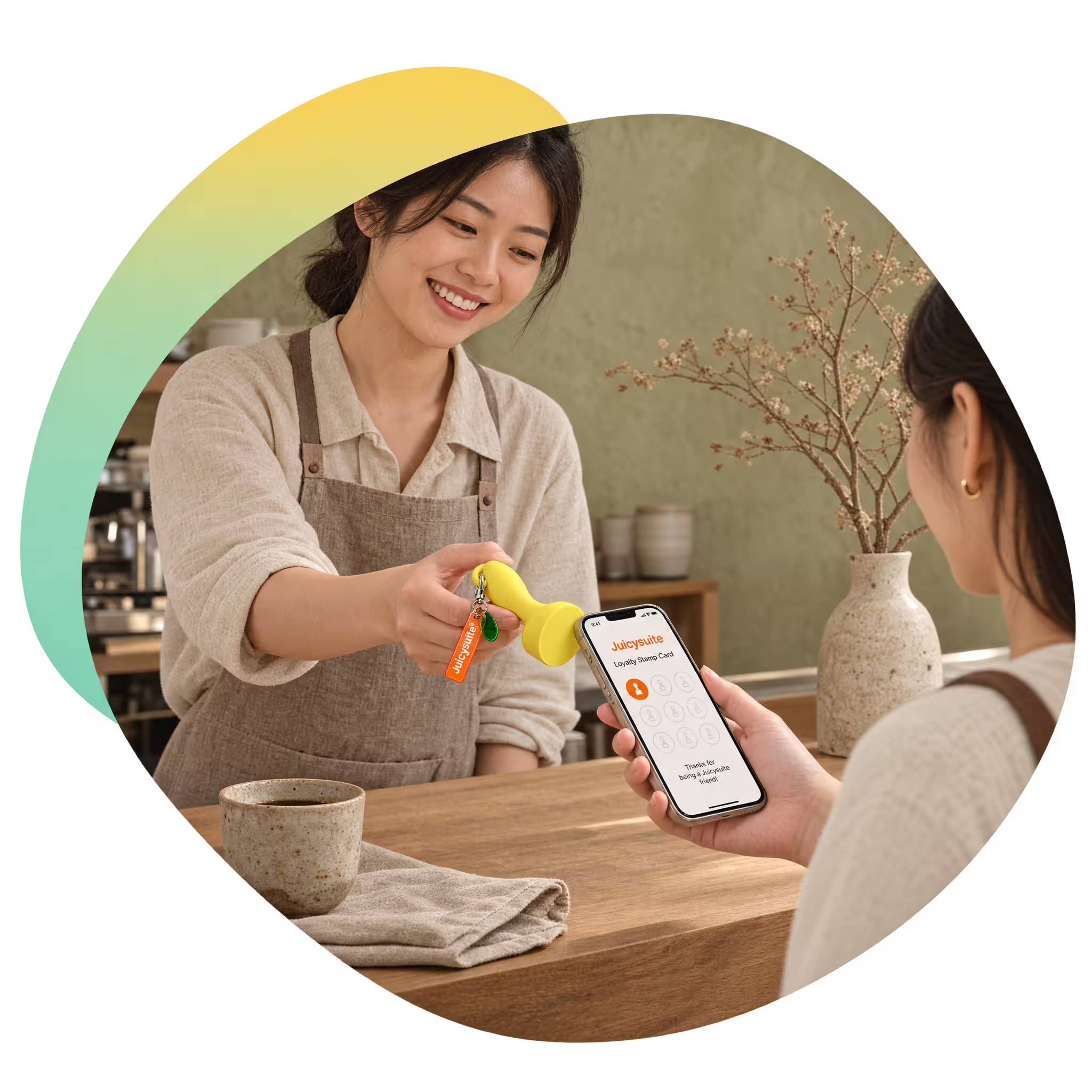
The gesture everyone already understands.
One press at the counter
Your staff hold the stamp and press it against the customer's phone. There is no code to read out, no camera to line up, and nothing for the customer to do but hold their phone out.
The stamp stays in staff hands
The device never leaves your side of the counter, so a stamp is something your team gives rather than something a customer can award themselves.
Your digital stamp card, unchanged
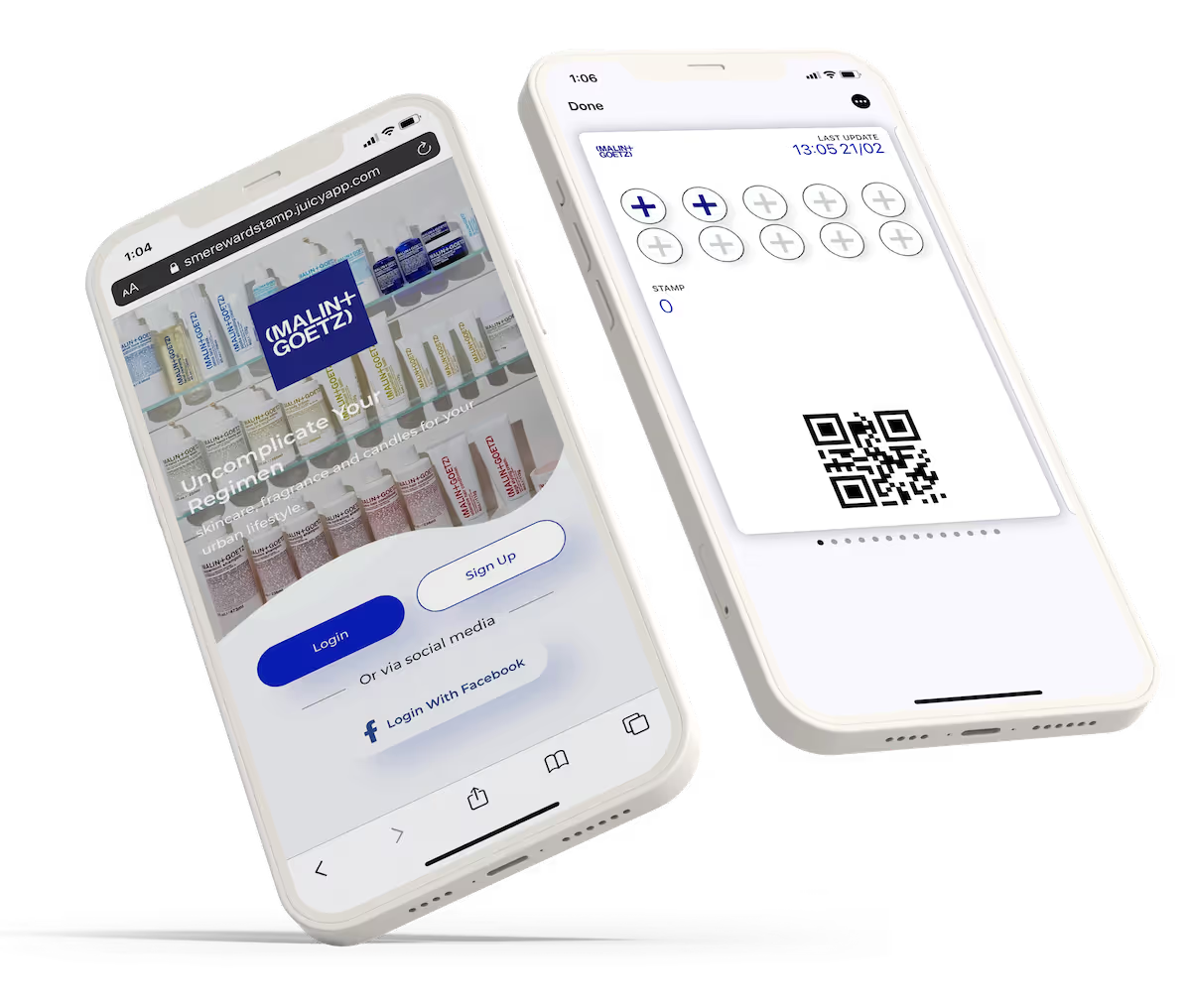
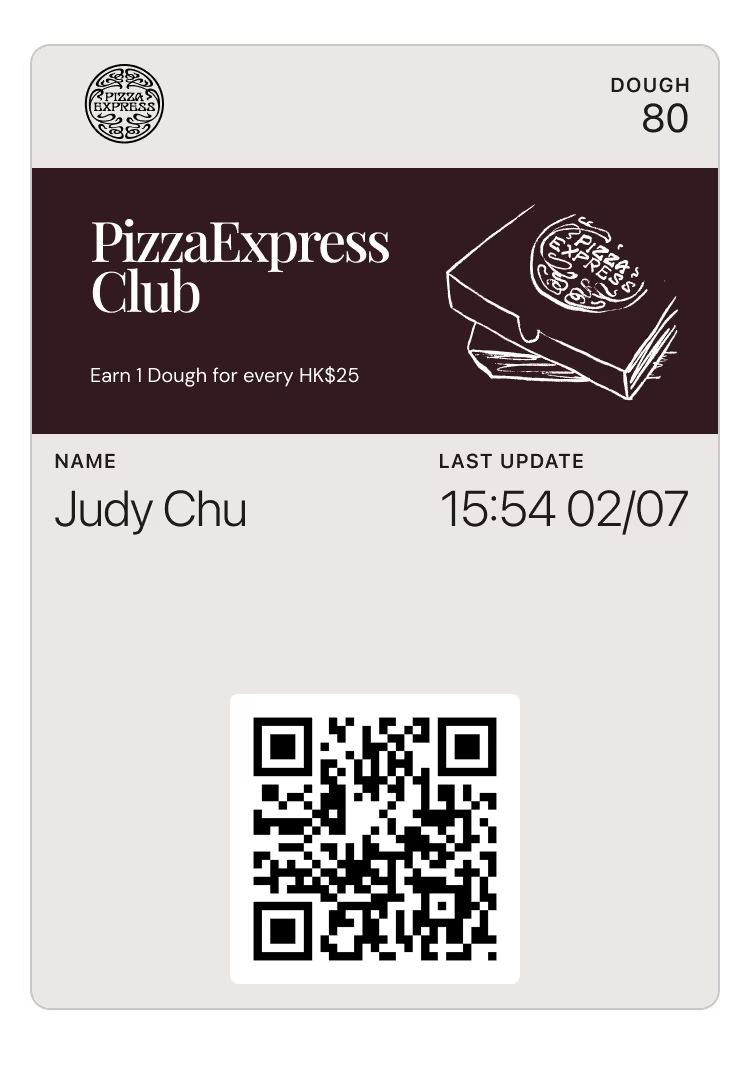
The NFC Stamp writes to the digital stamp card you already run on JuicySuite. Same card, same reward, same dashboard — a new way to fill it in.
A counter ritual worth keeping
A rubber stamp is a small piece of theatre that customers like. The NFC Stamp keeps that moment and drops the ink pad, the paper card, and the drawer full of spares.
One press, and the card fills up.
Fifteen seconds at a real counter: the stamp goes to the phone, and the card moves on.
Five steps, and the counter barely changes.
Technology
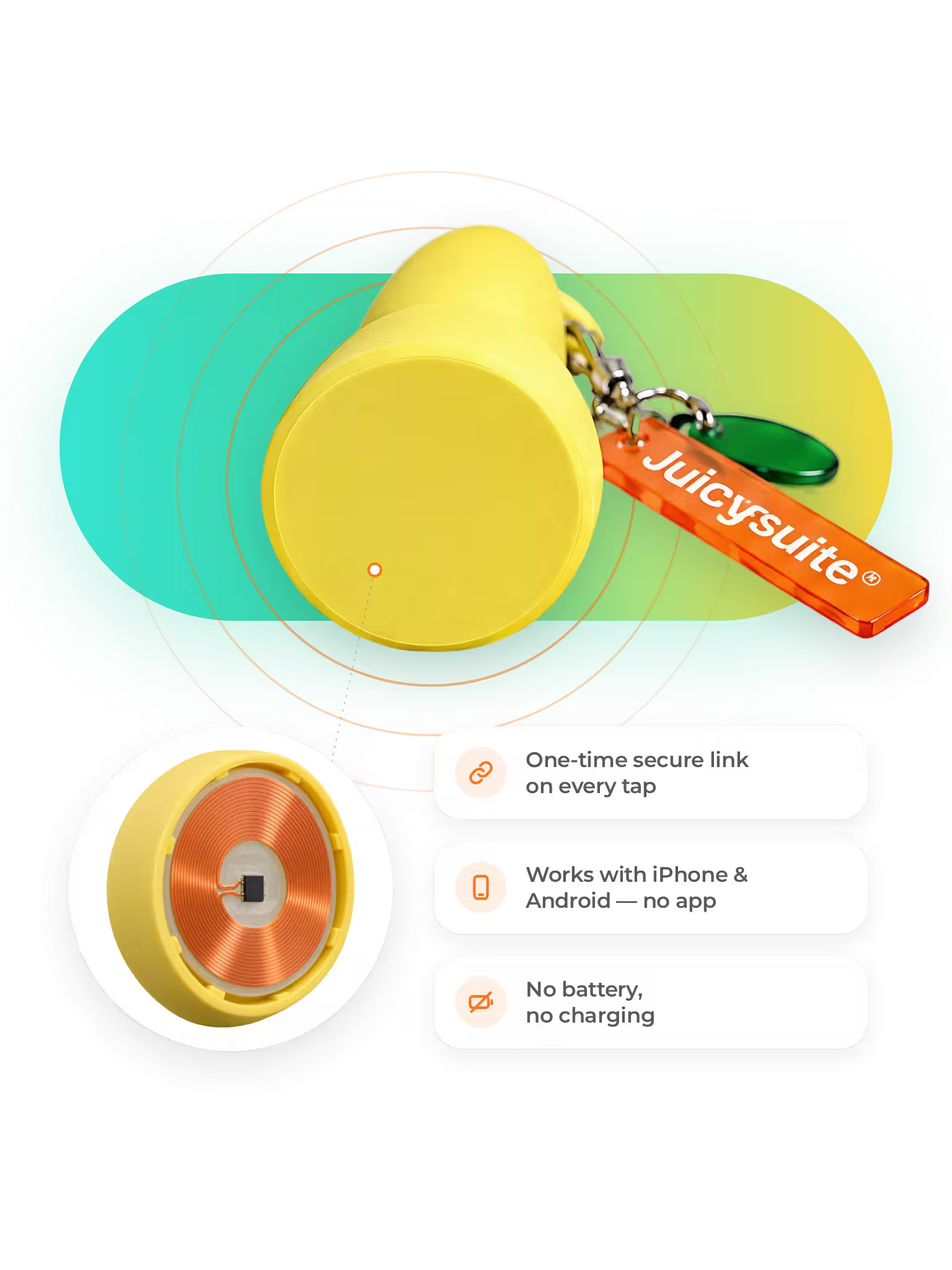
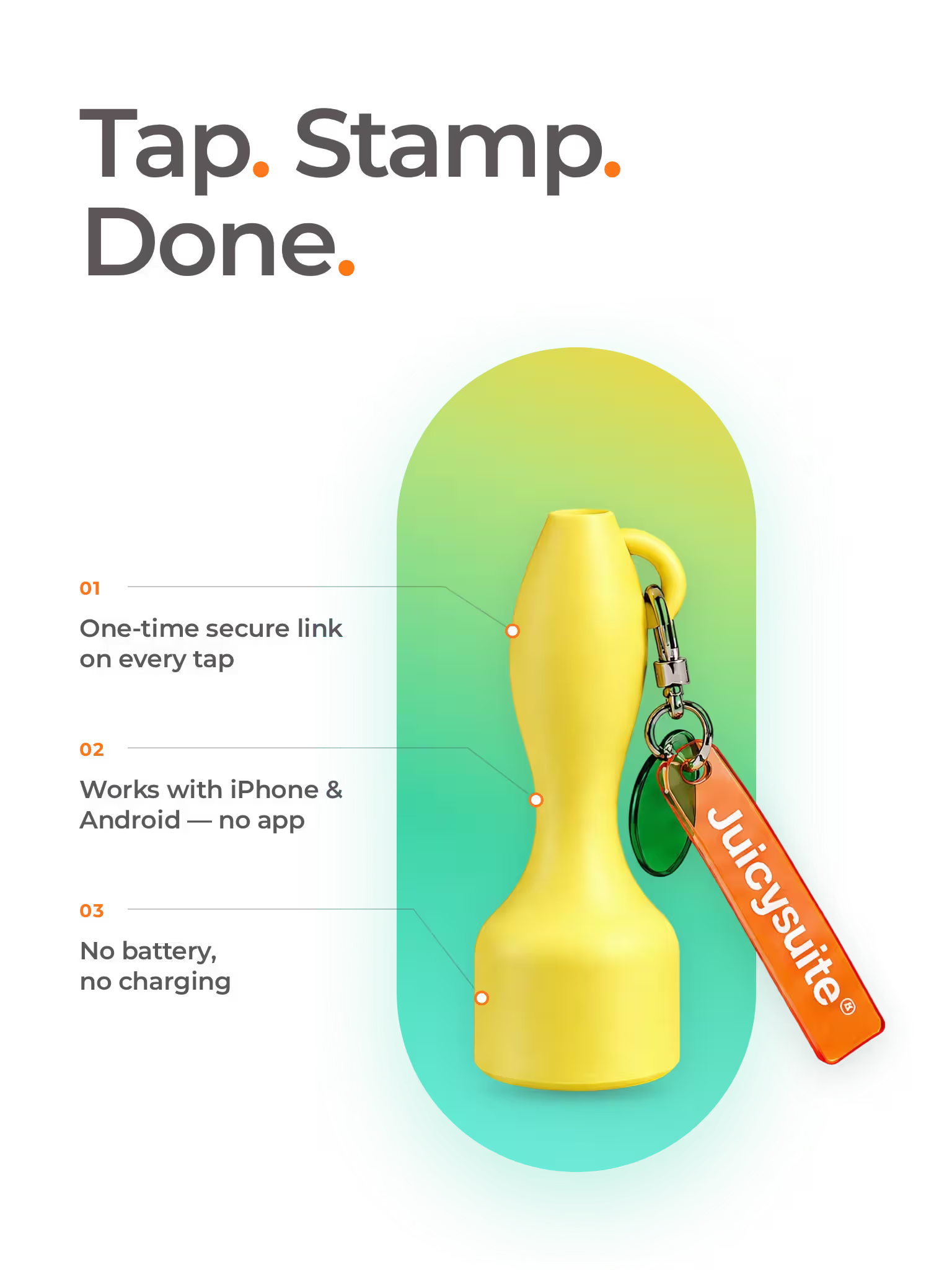
The stamp is an NFC device. The chip and antenna coil sit in its base, and a phone held against it reads them the moment the two touch — the same contactless technology a phone already uses to pay.

Daily operations
The stamp lives beside the till, in reach of whoever is serving. There is nothing to switch on at open and nothing to charge at close — it is a counter object, not a device your team has to manage.
Add stamp
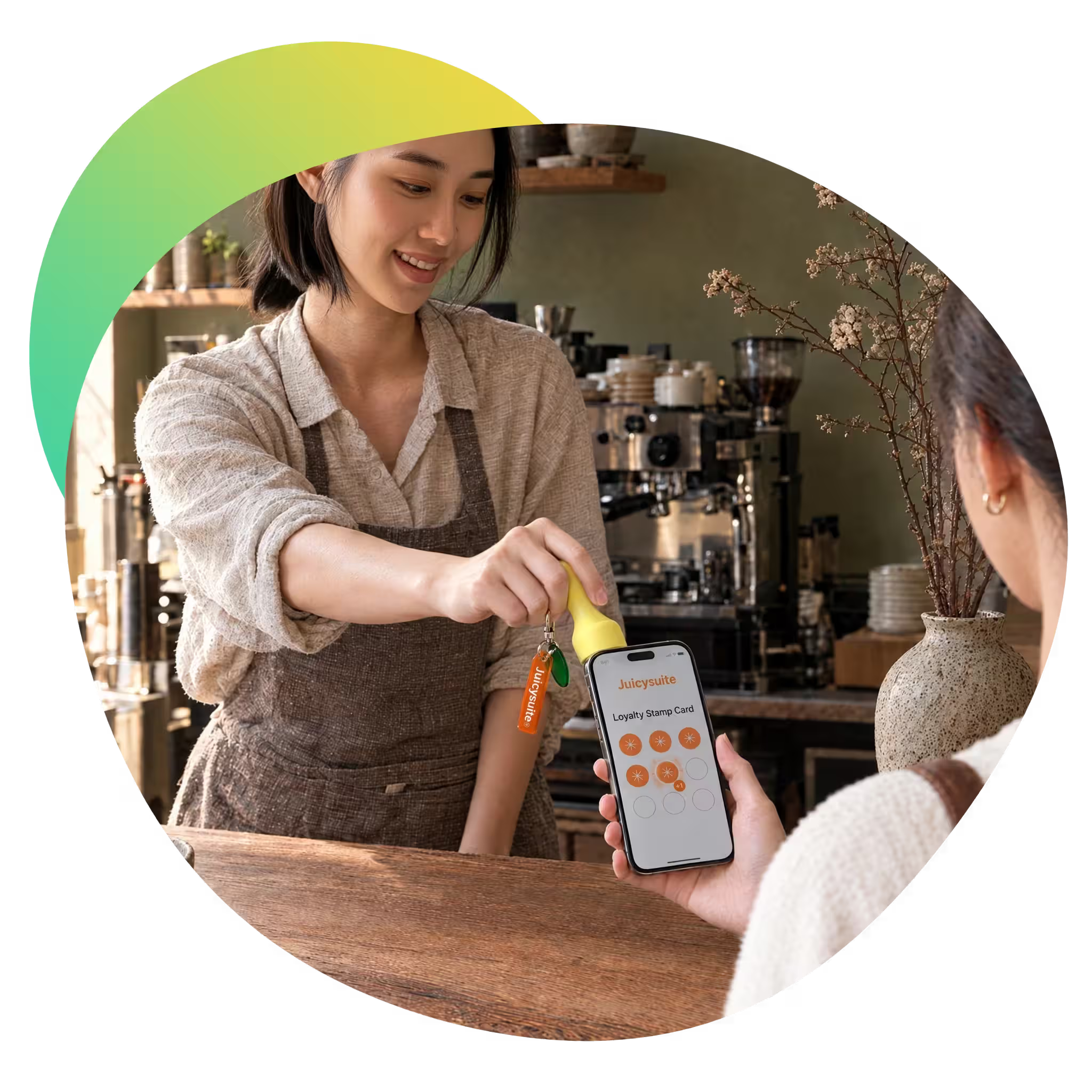
The customer holds out their phone with their stamp card open. Your staff press the stamp against it, the way they would against a paper card, and the stamp lands on the card.

Reporting
Every stamp lands in the same JuicySuite reporting your team already uses — how many stamps were given, how many customers they came from, and when in the day the counter is busiest.
Get started
Start a free trial to set up your stamp card, or book a demo and we will walk you through the device and the program behind it.
Less explaining. Fewer props. The same card.
Nothing to explain
Customers know what a stamp is. Holding a phone out to be stamped needs no instructions, which is worth a lot in a queue at the busiest hour.
Stamps stay yours to give
Because the device stays behind the counter, a stamp is always something your team awarded — not something that can be claimed from the other side.
One less thing to print
No paper cards to reorder, no ink pad to dry out, and no stack of half-finished cards in a customer's wallet.
A counter stamp fits wherever there is a counter.
About the NFC Stamp.
It is a handheld stamp for your counter. A member of your staff presses it against a customer's phone to add a stamp to their JuicySuite digital stamp card.
No. The NFC Stamp works with the digital stamp card you already run on JuicySuite — the same card, the same reward, and the same rules you have already set.
No. Your staff hold the stamp, so a stamp is always given by someone behind the counter.
Open their stamp card and hold the phone out. There is nothing to read aloud and no code to type in.
No. It is one more way to award a stamp. Points, tiers, vouchers and everything else in your JuicySuite program carry on exactly as they are.
Bring the stamp back to your counter.
Book a demo and we will walk you through how the NFC Stamp works alongside the digital stamp card you already run.